
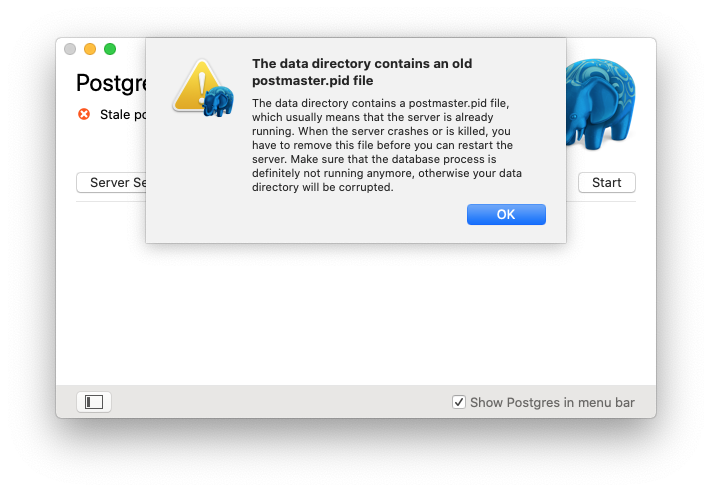
This error occurs when PostgreSQL didn’t shut down cleanly and left a stale postmaster.pid file behind. The fix is simply to delete that file.
The error
Solution
Step 1: Delete the stale PID file
1 | rm ~/Library/Application\ Support/Postgres/var-12/postmaster.pid |
Replace
var-12with your actual PostgreSQL version directory if different (e.g.,var-14,var-15).
Step 2: Start PostgreSQL again
Open the Postgres.app and click Start, or run:
1 | pg_ctl -D /Users/$(whoami)/Library/Application\ Support/Postgres/var-12 start |
PostgreSQL should start normally now.